
A little color. A little joy.
Your creativity.
A simpler place to start.
You don’t need a complicated art workflow to enjoy making something. Little Color Studio brings coloring, drawing, and tracing together with familiar pencils, friendly controls, and room to try again.
Bring a little inspiration.
Open a PDF, PNG, JPG, or JPEG—or start with a blank page.
Find your favorite shade.
Choose a pencil, explore a brush, and make the first mark. Undo is there when you need it.
Keep what you create.
Save an editable project, then export a PNG or PDF to keep, print, or share.
One Android app. Room for your creativity.
Your little studio.
On your Android.
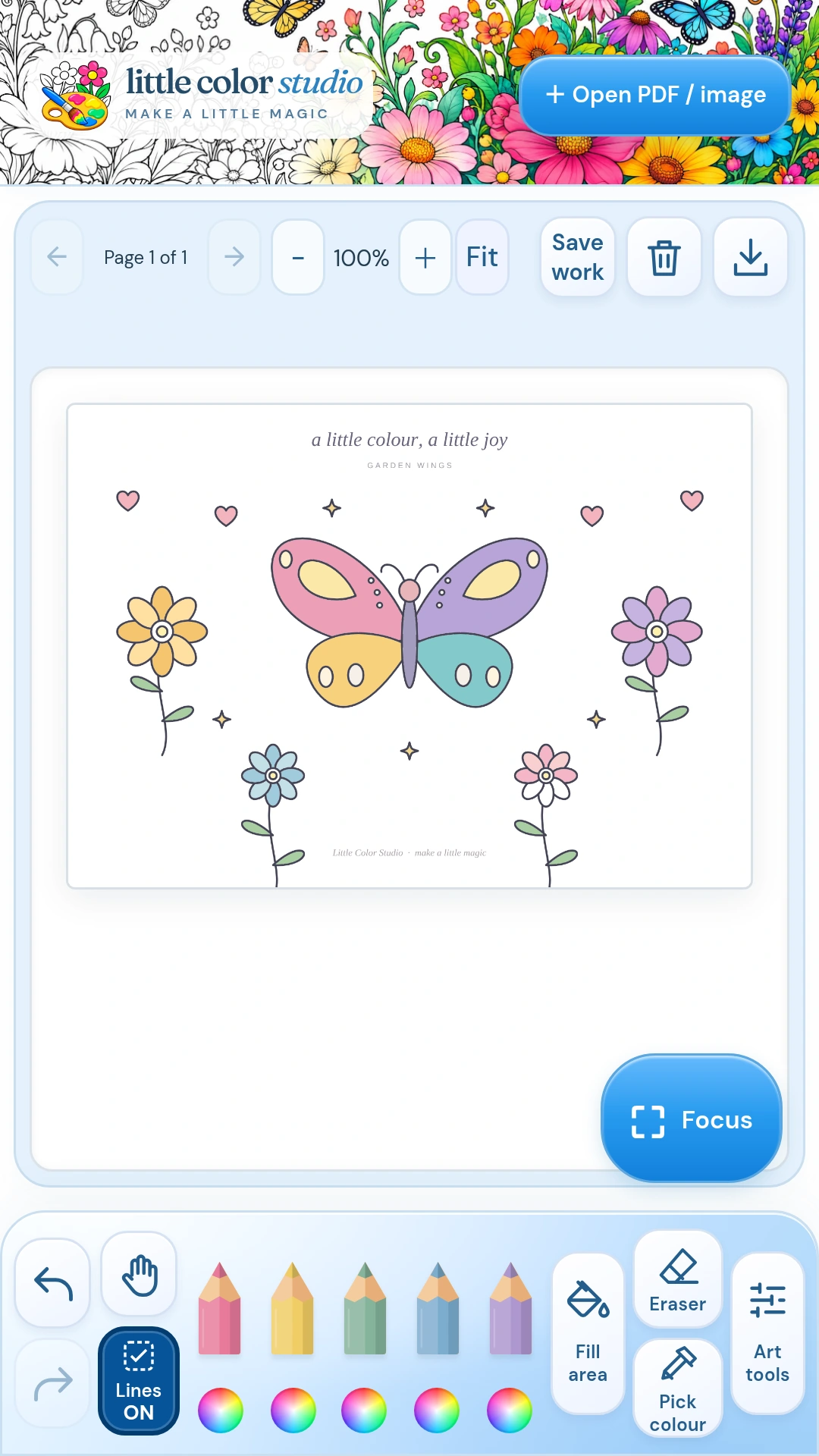
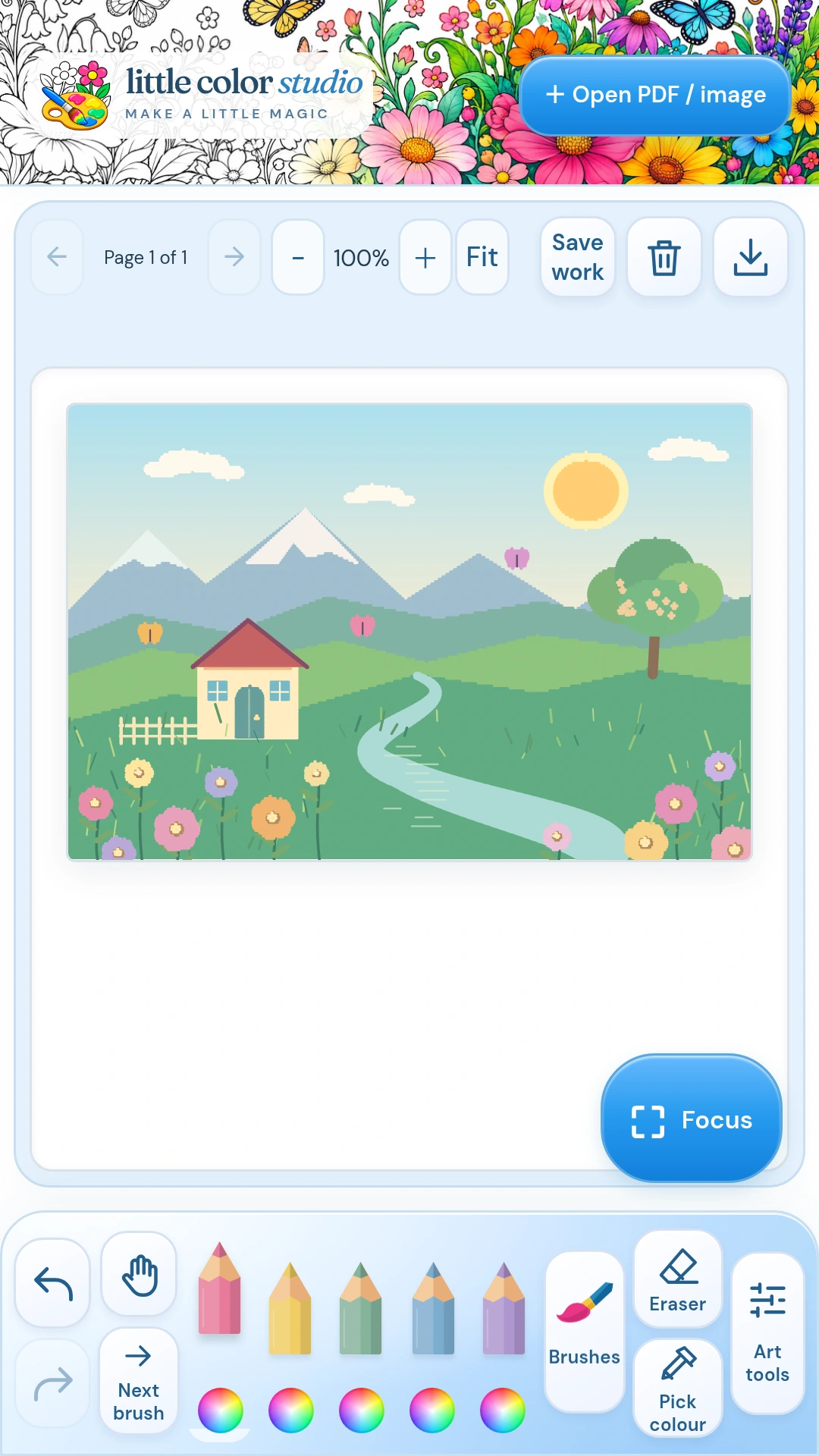
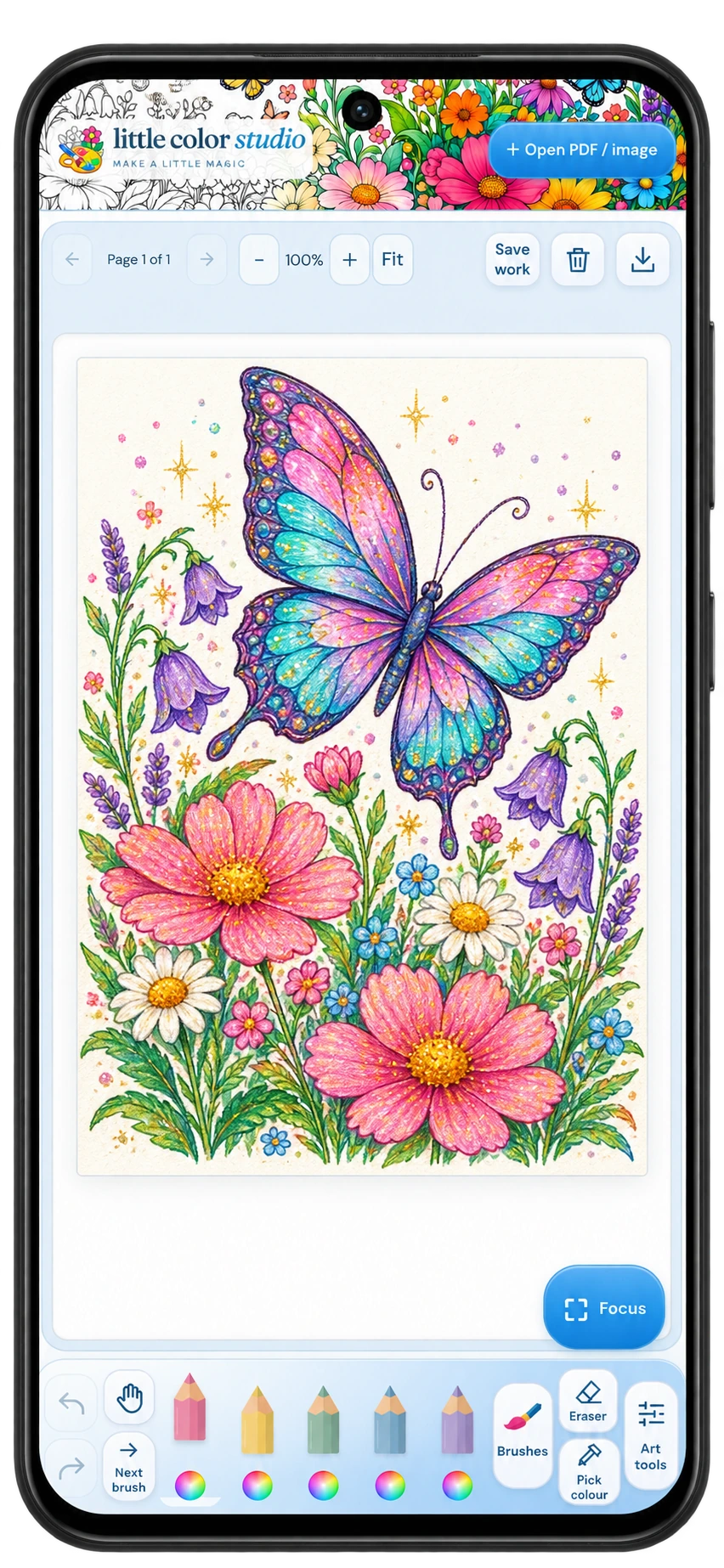
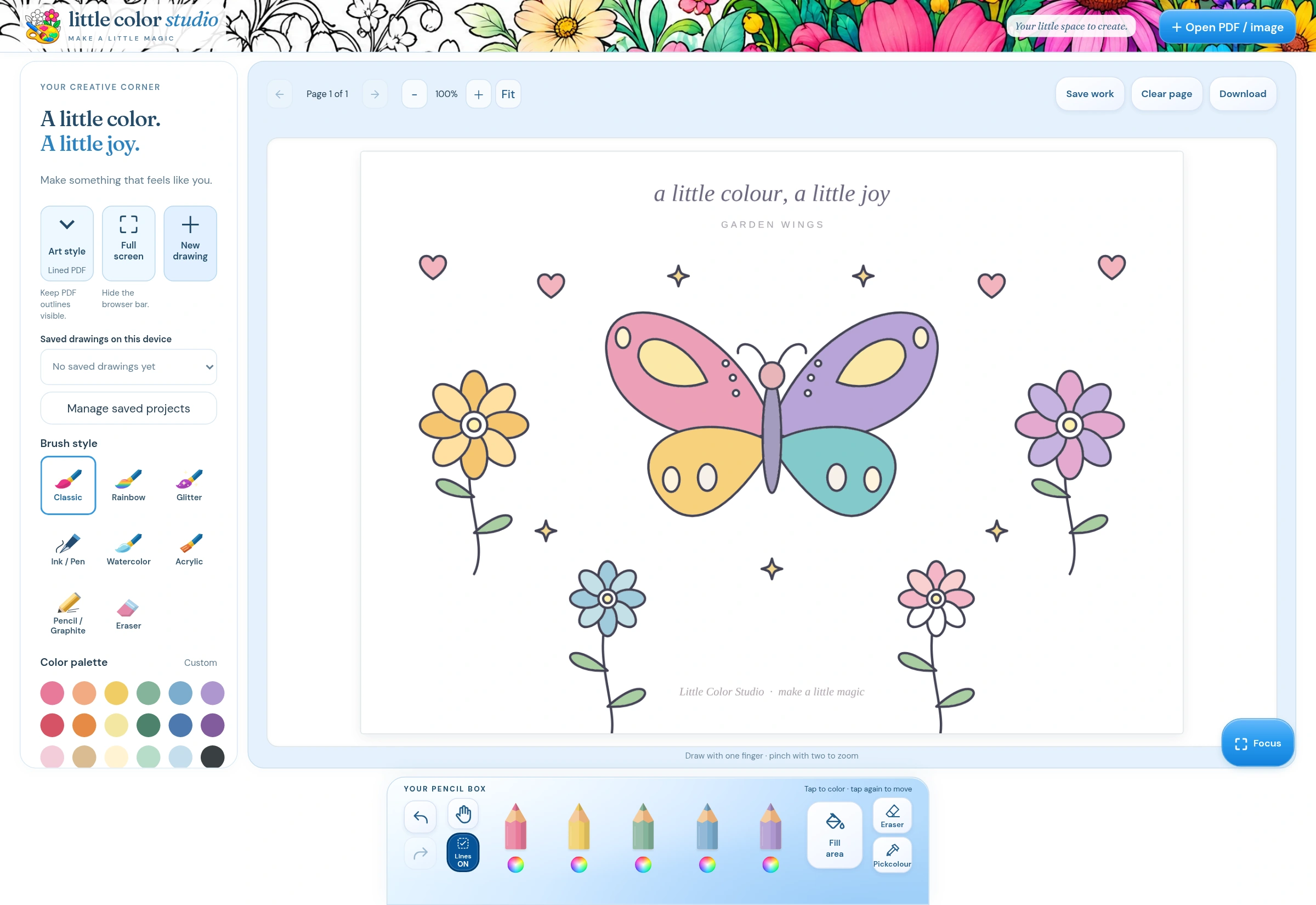
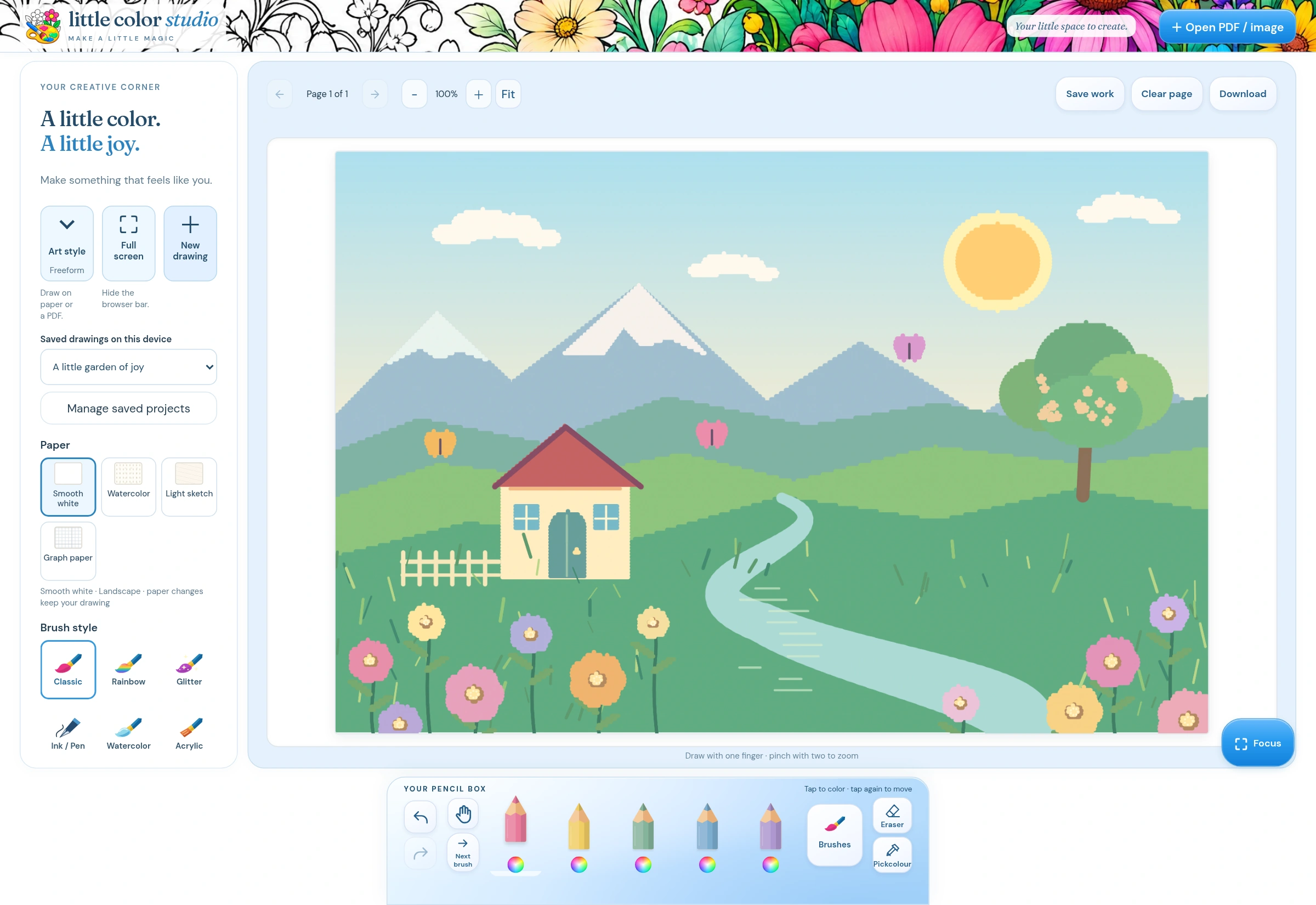
Explore the phone and tablet layouts of Little Color Studio. Color, draw, and trace in the Android app.
View full size ↗
View full size ↗
View full size ↗
View full size ↗
View full size ↗
Start wherever inspiration finds you
Color it. Trace it.
Dream it up.
Color the pages you love.
Bring in a PDF coloring book or image. Fill closed shapes with a tap, zoom into details, or turn on Stay inside lines to keep a stroke in its starting region.
Turn a picture into a beginning.
Load a photo, picture, or PDF as a tracing guide. Fade it with paper opacity, trace in your own style, then remove the guide while keeping your drawing.
Let a blank page surprise you.
Choose portrait or landscape, pick a paper surface, and draw freely. Smooth white, watercolor, light sketch, and graph paper each offer a different starting point.
Playful enough to explore. Practical enough to keep.
Little touches.
More ways to make it yours.
A pencil box that feels like you.
Keep five favorite colors close by. Pick a shade from your artwork and reuse it, with HEX, RGB, and HSL codes when you want them.
A little help with the details.
Use Fill area, Stay inside lines, and zoom for coloring. Choose Light or Strong smoothing for steadier new drawing and tracing strokes.
Room to focus.
Hide controls with Focus, move around without painting, and bring the tools back when you need them. Draw with a finger or compatible stylus.
Closed outlines work best for fills and line assistance. Pen pressure depends on your stylus and device.
Find your kind of mark
A soft wash.
A bold line. A little sparkle.
Seven brush styles, plus Eraser. Explore the feel of each, adjust size and paint depth, and see what happens when colors overlap.
Classic
Clean, solid marks.
Rainbow
Several colors in one stroke.
Glitter
Your chosen color, with metallic sparkles.
Watercolor
Soft, translucent layers.
Acrylic
Rich, textured paint.
Pencil / Graphite
Grainy shading and sketching.
Ink / Pen
Crisp lines with tapered ends.
Decorative swatches illustrate the palette; see the app and guide for actual brush behavior.
Made by you. Ready for another day.
Keep the project.
Share the joy.
A drawing doesn’t have to be finished in one sitting. Save your work on this device and return when inspiration does.
Export the current page as a PNG, or the whole colored book as a PDF. Keep the editable project for later and a finished copy to print or share.
Editable projects
Save and reopen your work on the same device.
Finished copies
PNG for a page. PDF for a book or drawing.
A little offline time
Core coloring and drawing work offline with local files.
For the way you want to create
More making.
Less getting in the way.
Choose Little Color Studio when you want a welcoming space for your own pages and ideas: coloring, tracing, freeform drawing, favorite shades, and useful exports together.
Enough tools to explore. A clear place to begin.
Make yourself at home
A friendly guide
to your little studio.
Follow the illustrated steps for brushes, picking colors, tracing, paper, saving projects, and exporting your creations.
10-page guide · Android 0.4.9 · Updated 27 October 2026
Original in Google Drive ↗ (Drive access required)
A few useful answers
A little help before you start.
Can I bring my own coloring books and pictures?
Yes. You can open PNG, JPG/JPEG, and unlocked PDFs smaller than 75 MB. Use artwork you own or have permission to use. The app can color imported pages and use pictures or PDFs as tracing guides.
Can I draw without a coloring page?
Yes. Start a blank portrait or landscape drawing, choose your paper, and explore the brushes. You can draw with your finger or a compatible stylus. Stylus pressure support varies by pen and device.
Will my work sync between devices?
Projects are stored locally on the device and do not automatically sync. Save and allow the saving message to finish. Export important work regularly and before moving devices. Keep original files too; clearing app data or uninstalling can remove local projects.
What’s the difference between saving and exporting?
Save work keeps an editable project in the app on this device. A PNG or PDF export is a flattened finished copy that preserves the appearance, rather than separate strokes or Undo history.
Is Little Color Studio an Android app?
Yes. Little Color Studio is an Android app for phones and tablets. There is no web app. This website introduces the Android app and provides its guide.
Where can I get Little Color Studio?
The Android app is currently in internal testing. Public release, pricing, and store links will be shared when confirmed. This page introduces the app and its documented features; it does not enroll you in testing.
No perfect picture required.
Just a little curiosity.
And a color you love.
Your next creative moment can start with a favorite page, a simple sketch, or a completely blank canvas.
Get to know Little Color StudioNeed a hand? hello@littlestoriesbigfeelings.com
From Little Stories Big Feelings · At home on EnvisionStreet.